
Minimal Blog
Click to zoom
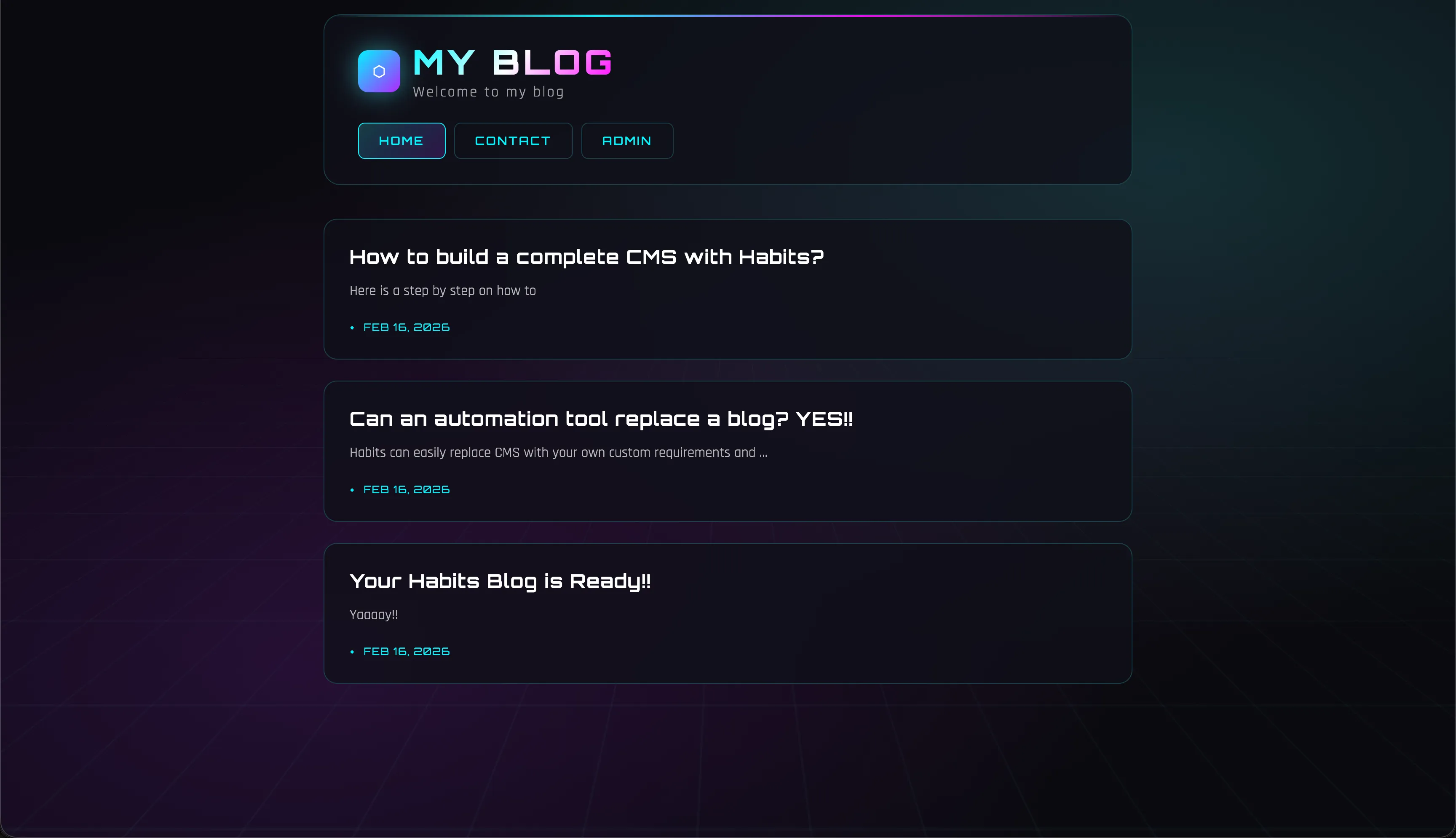
Minimal Blog
A complete blog API backend with authentication, CRUD endpoints, and database integration using Habits bits.
Build a production-ready blog API in minutes with the Minimal Blog example. This showcases how Habits can create full backend applications with minimal code.
Features
- User Authentication: JWT-based login and registration
- Blog Posts CRUD: Create, read, update, and delete posts
- Database Integration: SQLite/PostgreSQL with automatic migrations
- API Documentation: Well-structured RESTful endpoints
Perfect for learning how to build API backends with Habits, or as a starter template for your own content management systems.
Run Your .habit File
Run on Mobile
- [ ] Download the Cortex App from store or the downloads page
- [ ] Open the Cortex App on your device
- [ ] Tap "Open Habit" or "+" button
- [ ] Select your
.habitfile from your device storage - [ ] The habit will be loaded and ready to run
Run on Desktop
- [ ] Download the Cortex App for your platform from the downloads page
- [ ] Install and open the Cortex App
- [ ] Click "Open Habit" or drag & drop your
.habitfile - [ ] The habit will be loaded and ready to run
- [ ] Optional: Place a
.envfile in the same directory as your.habitfile to override environment variables
Run on Server
Run your .habit file as a server using the Cortex CLI:
bash
# Install and run in one command
npx @ha-bits/cortex --config ./your-app.habit- [ ] Make sure Node.js 20+ is installed
- [ ] Run the command above with your
.habitfile path - [ ] Server will start on the specified port (default: 3000)
- [ ] Access the app at
http://localhost:3000 - [ ] Optional: Place a
.envfile next to your.habitfile - it will automatically override any embedded environment variables
Run Serverless
For serverless or containerized deployments, we recommend using Docker:
bash
# Using Docker (recommended for serverless)
docker run -p 3000:3000 -v $(pwd)/your-app.habit:/app/habit.habit \
  node:20-alpine npx @ha-bits/cortex --config /app/habit.habit --host 0.0.0.0
Or create a Dockerfile:
dockerfile
FROM node:20-alpine
WORKDIR /app
COPY your-app.habit ./
COPY .env ./ # Optional: include environment variables
RUN npm install -g @ha-bits/cortex
EXPOSE 3000
CMD ["cortex", "--config", "./your-app.habit", "--host", "0.0.0.0"]- [ ] Create a Dockerfile or use the Docker run command above
- [ ] Deploy to your preferred cloud provider (AWS, GCP, Azure, etc.)
- [ ] Configure environment variables via your cloud provider's secrets management
- [ ] Set up health checks at
/habits/base/apiendpoint
Workflow Visualization
Requirements
- Node.js 18+
Quick Start
Run using the Habits CLI wrapper, recommended if you develop local Habits
# First, download the example files
npx habits@latest cortex --config ./minimal-blog/stack.yaml