
Hello World Habit
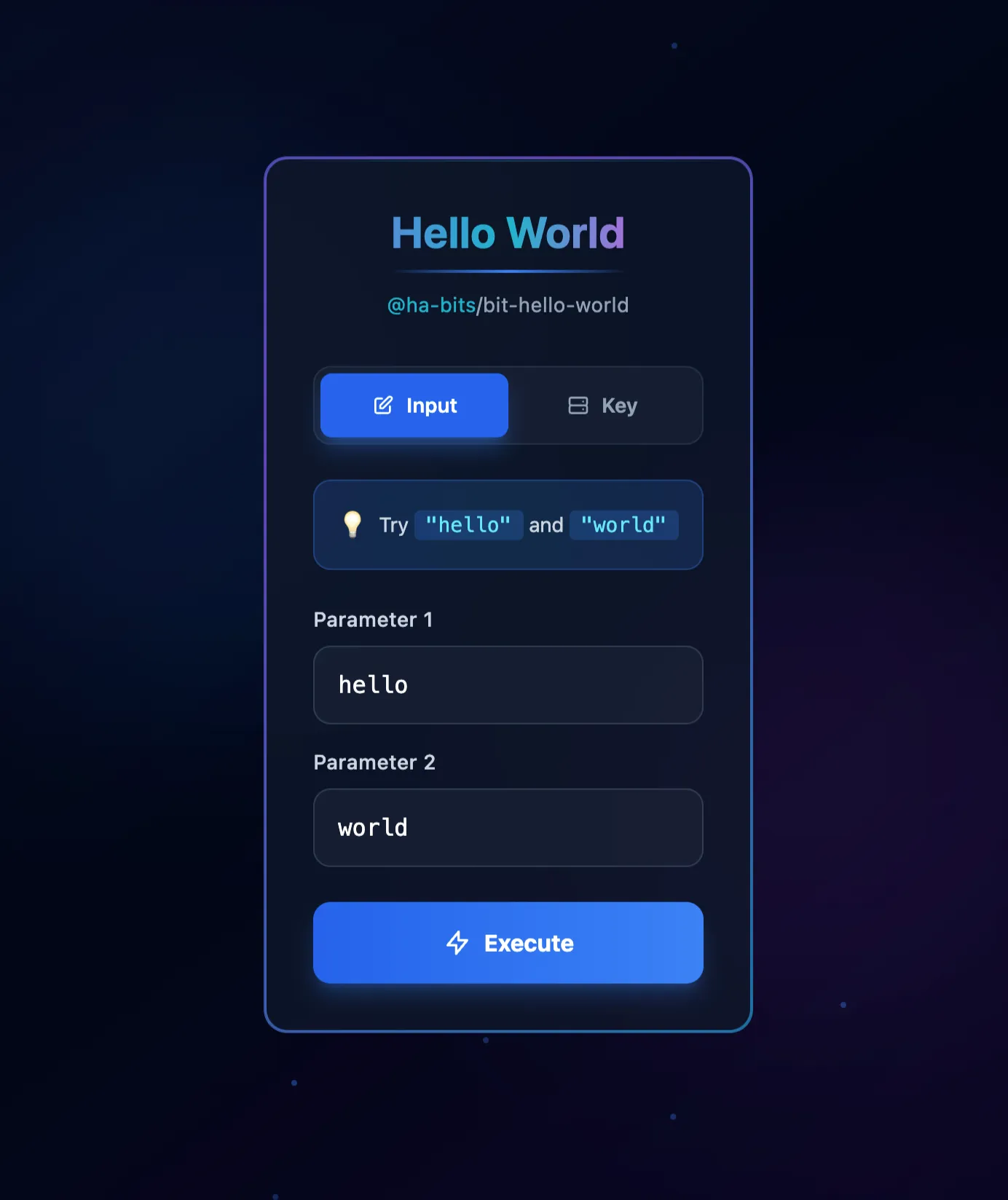
Click to zoom
Hello World Habit
Simple Habit to showcase the possible methods and ways to consume bits and read from both env and input.
This habit demonstrates a minimal "Hello World" automation using the habits framework. It shows how to:
- Access environment variables (e.g.,
PARAM1), which are kept in keyring on apps (iOS, Android, MacOS, Linux, Windows) and in .env on servers - Read user input parameters
- Output results to both logs (Servers) and the UI (Apps)
- Structure a habit YAML according to the habits.schema.yaml
Use this as a starting point for building more complex automations that interact with both backend and frontend components. All code and configuration follow the project’s minimalistic, mobile-first, and dark mode UI guidelines.
Run Your .habit File
Run on Mobile
- [ ] Download the Cortex App from store or the downloads page
- [ ] Open the Cortex App on your device
- [ ] Tap "Open Habit" or "+" button
- [ ] Select your
.habitfile from your device storage - [ ] The habit will be loaded and ready to run
Run on Desktop
- [ ] Download the Cortex App for your platform from the downloads page
- [ ] Install and open the Cortex App
- [ ] Click "Open Habit" or drag & drop your
.habitfile - [ ] The habit will be loaded and ready to run
- [ ] Optional: Place a
.envfile in the same directory as your.habitfile to override environment variables
Run on Server
Run your .habit file as a server using the Cortex CLI:
bash
# Install and run in one command
npx @ha-bits/cortex --config ./your-app.habit- [ ] Make sure Node.js 20+ is installed
- [ ] Run the command above with your
.habitfile path - [ ] Server will start on the specified port (default: 3000)
- [ ] Access the app at
http://localhost:3000 - [ ] Optional: Place a
.envfile next to your.habitfile - it will automatically override any embedded environment variables
Run Serverless
For serverless or containerized deployments, we recommend using Docker:
bash
# Using Docker (recommended for serverless)
docker run -p 3000:3000 -v $(pwd)/your-app.habit:/app/habit.habit \
  node:20-alpine npx @ha-bits/cortex --config /app/habit.habit --host 0.0.0.0
Or create a Dockerfile:
dockerfile
FROM node:20-alpine
WORKDIR /app
COPY your-app.habit ./
COPY .env ./ # Optional: include environment variables
RUN npm install -g @ha-bits/cortex
EXPOSE 3000
CMD ["cortex", "--config", "./your-app.habit", "--host", "0.0.0.0"]- [ ] Create a Dockerfile or use the Docker run command above
- [ ] Deploy to your preferred cloud provider (AWS, GCP, Azure, etc.)
- [ ] Configure environment variables via your cloud provider's secrets management
- [ ] Set up health checks at
/habits/base/apiendpoint
Workflow Visualization
Requirements
- PARAM1 environment key
Key Files
yaml
version: "1.0"
name: "Hello World"
workflows:
  - id: hello-world
    path: ./habit.yaml
    enabled: true
  - id: hello-world-env
    path: ./habit-env.yaml
    enabled: true

server:
  port: 13000
  host: "0.0.0.0"
  frontend: ./frontend

logging:
  level: info
  outputs: [console]
  format: text
  colorize: true
yaml
id: hello-world
name: Hello World Demo
description: A simple hello world habit using @ha-bits/bit-hello-world

# This habit demonstrates the bit-hello-world module:
# - Returns "hello there" when param1="hello" and param2="world"
# - Returns "Nah!" otherwise

input:
  - name: param1
    type: string
    displayAs: text
    label: First Parameter
    description: Enter the first word (use "hello" for greeting)
    default: hello
    required: true

  - name: param2
    type: string
    displayAs: text
    label: Second Parameter
    description: Enter the second word (use "world" for greeting)
    default: world
    required: true

nodes:
  - id: say-hello
    type: action
    data:
      framework: bits
      source: npm
      module: "@ha-bits/bit-hello-world"
      operation: greet
      params:
        param1: "{{habits.input.param1}}"
        param2: "{{habits.input.param2}}"

edges: []

output:
  greeting:
    value: "{{say-hello}}"
    type: string
    displayAs: text
    label: Greeting
Quick Start
Run using the Habits CLI wrapper, recommended if you develop local Habits
# First, download the example files
npx habits@latest cortex --config ./hello-world/stack.yaml