
Governance-First, Self-Hosted, and Enterprise-Ready.
Offline, air-gapped, self-hosted, or managed. Your choice!
Secure, branded access to top LLMs for text, image, & video.
Meet GDPR, HIPAA compliance while managing every AI interaction.


One Portal & API to manage all AI requests for your employees and users
Automatically identify and manage Personally Identifiable Information in all AI interactions.
GDPR, HIPAA compliance while securely managing every AI interaction.
Log and filter AI interactions without exposing sensitive data.
Workflows to fit your industry and internal processes.
Streamline your workflow with cutting-edge AI technology
Create compelling, on-brand content effortlessly with AI-driven distraction-free canvas.
Create landing pages in seconds.
Find and use professional-grade prompts.
Create, Edit and Animate app tours and app showcases in SVG format.
Read books and researches with AI, never miss a word.
Generate charts and graphs











Write with ChatGPT, Gemini, and more directly from your secure environment.
Create visuals with DALL·E, Gemini Image and more instantly.
Generate clips with Luma AI for explainers, intros, and training.
Instead of maintaining multiple subscriptions per user per AI tool, enjoy Intersect's pay-per-use model. Your whole team shares the same balance.
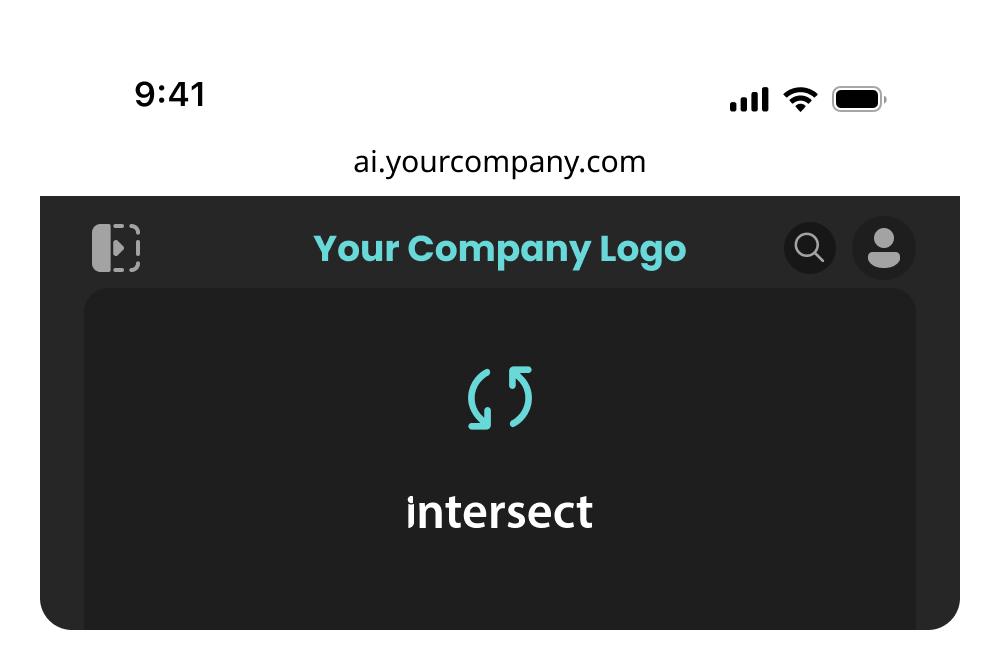
Fully customize Intersect AI to align with your company's brand identity. Host on your hostname with your logo and visual elements.
Amazon S3 integration with full control over data residency and encryption.
Control AI requests across your enterprise with complete visibility.
Enterprise-grade Single Sign-On with your existing identity provider.
Ready to use all AIs without sacrificing privacy?
Creating an instance usually takes 3 hours, but can take up to 24 hours.
Join thousands of organizations using Intersect AI to power their workflows while maintaining complete privacy and compliance.
By Creating a Workspace, you agree to our Term & Condition and Privacy Policy
Already have an account? Log in